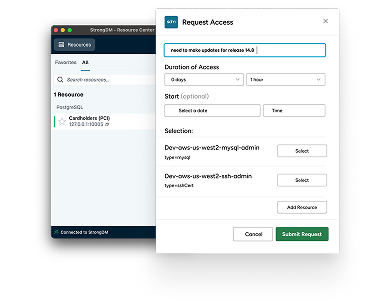
With StrongDM, now part of Delinea, and Jira, requesting and approving access to critical resources is easy. Implement Zero Standing Privileges and achieve Zero Trust using your native development and IT workflows.
Requesting and approving access to production resources is easy with strong DM and jira.
After logging into the strong DM desktop, open your Jira project.
Create an issue of the appropriate type in this case, an admin access service request.
Enter a reason in the summary and a longer message for the approvers in the description.
Click create, view the issue, and once created, select the appropriate user and intended resource.
In this case, the Production Postgres database.
Enter a duration and click create.
View the request in the portal to approve or deny the request.
In this case, an administrator will resolve the issue to approve the request.
The resource is now visible in the strong DM Desktop.
Connect to the resource and now establish the session with client of choice.
Requests made through Jira are logged and visible in the strong DM admin UI with strong DM and Jira.
Accessing resources has never been easier. See.