Requesting and granting access to Kubernetes clusters is easy and secure.
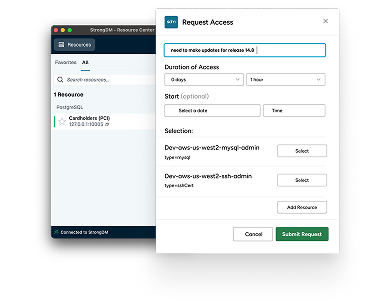
With StrongDM, request access to your Kubernetes cluster via a just-in-time access workflow.
In this case, a production EKS cluster.
In AWS with IM authentication, an administrator will approve or deny the request.
The Kubernetes cluster will show up on the StrongDM desktop, open a shell, and update the cube cuddle config.
We can now run cube cuddle commands against the cluster, including executing into a pod.
Now, let's add MFA protection to this cluster.
Go to access policies in the StrongDM admin UI.
Add a new policy. Now edit the policy by clicking on its name.
Let's create the policy and then save.
Now run another cube Cuddle command and approve the MFA Prompt.
StrongDM simplifies and secures access to your Kubernetes clusters.